PatientAccessAPI
Sandbox Access
Sandbox Base URL
https://api-dev.commonwealthcarealliance.org/qa/fhir/patientaccess/Creating a Sandbox Application
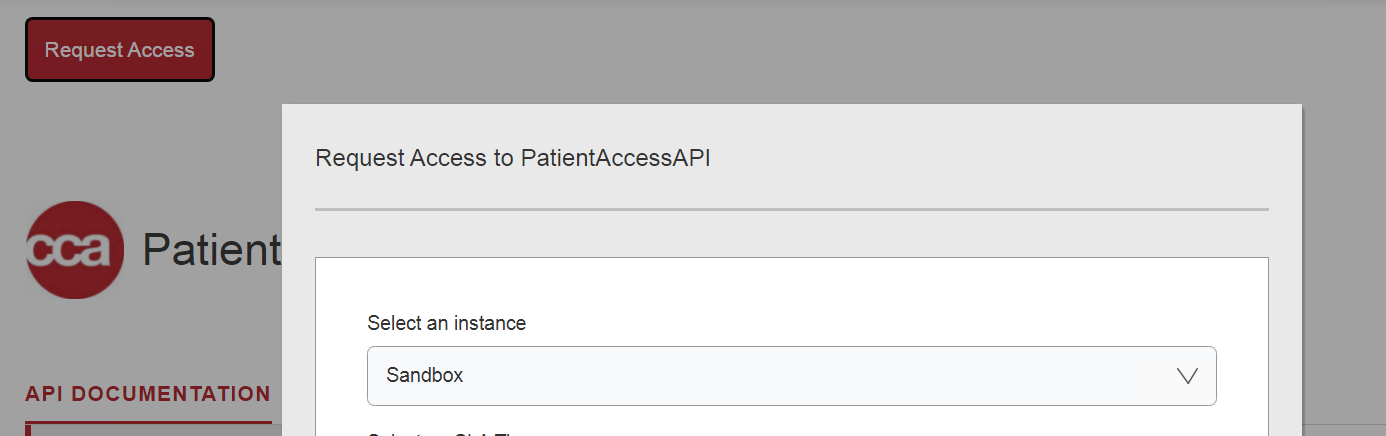
To Create a Sandbox application, App developers must select the Environment as a sandbox in the request access window and submit a request.
Authorization Components
https://3rd-party-app.test.commonwealthcarealliance.org/3rd-party-app.test.commonwealthcarealliance.org/oauth2/v2.0/authorize?p=b2c_1a_signup_signin_conditionalaccess&response_type=<response_type>&client_id= <ClientID>&state=<state>&scope=<scope>&redirect_uri=<your_redirect_uri>&code_challenge=<code_challenge>&code_challenge_method=<code_challenge_method>The Authorization request must contain the following components
- Grant Type: Authorization Code (With PKCE)
- response_Type: code
- state: A random number that your application generates.
- client ID: The Client ID that you received when you registered your application.
- scope:
"https://3rd-party-app.commonwealthcarealliance.org/REPLACE_CLIENTID/patient.all.read https://3rd-party-app.test.commonwealthcarealliance.org/REPLACE_CLIENTID/REPLACE_CLIENTID openid offline_access" - code_challenge: The code challenge is created by SHA256 hashing the Code Verifier and base64 URL encoding.
- code_challenge_method: SHA-256
- redirect_uri: You entered this URL when you created your application and assigned it as the callback URL.
Get token
After the user authenticates, the authorization code will append to the URL following the code=. send the authorization code, along with the client credentials to the token endpoint of the authorization server. Send a POST request to the CCA /token endpoint.
https://3rd-party-app.test.commonwealthcarealliance.org/3rd-party-app.test.commonwealthcarealliance.org/oauth2/v2.0/token?p=b2c_1a_signup_signin_conditionalaccessThe POST request must contain the following in the request body:
- grant_type: < authorization_code>
- code: < code received in redirect URL>
- redirect_uri: < your redirect URL>
- code_verifier: “cs6JLe8aglm0gnxe2JKsQyTJWzmVgdp01A_bEa”
- client_id: < your ClientID>
- client_secret:< your Client Secret>
The response body will contain the following
{

"access_token": "eyJ0eXAiOiJKV1QiLCJbbw...",

"token_type": "Bearer",

"id_token" :  "eyJhbGciOiJSUzI1NiIsImtpZCI6IjllaTll...",

"not_before": 1674636737,

"expires_in": 1800,

"expires_on": 1674638537,

"profile_info": "eyJ2ZXIiOiIxLjAiLCJ0aWQ.",

"scope": "https://3rd-party-app.commonwealthcarealliance.org/REPLACE_CLIENTID/patient.all.read https://3rd-party-app.test.commonwealthcarealliance.org/REPLACE_CLIENTID/REPLACE_CLIENTID openid offline_access",

"refresh_token": "eyJraWQiOiJjcGltY29yZnyPb3ygfo_XoX0xIwJ.",

"refresh_token_expires_in": 1209600


}
You can now use this token within the request header in your calls to the CCA FHIR server.
Sandbox Test Member
Please use the following test member credentials to login as a sandbox user.
As a Member:

Username: HVellanki@commonwealthcare.org
Password: Harika@9052

USERNAME: sean.businesswork@gmail.com
PASSWORD: Welcome1


As a PR:

Username: DeSingh@commonwealthcare.org
Password: Deepak@123